

Export

How to Export Quiz Questions

Export a polished DOCX question paper, with optional answer content, for offline use and sharing.

Video coming soonDOCX · offline · question paper
QuiyoAI-powered quiz studio
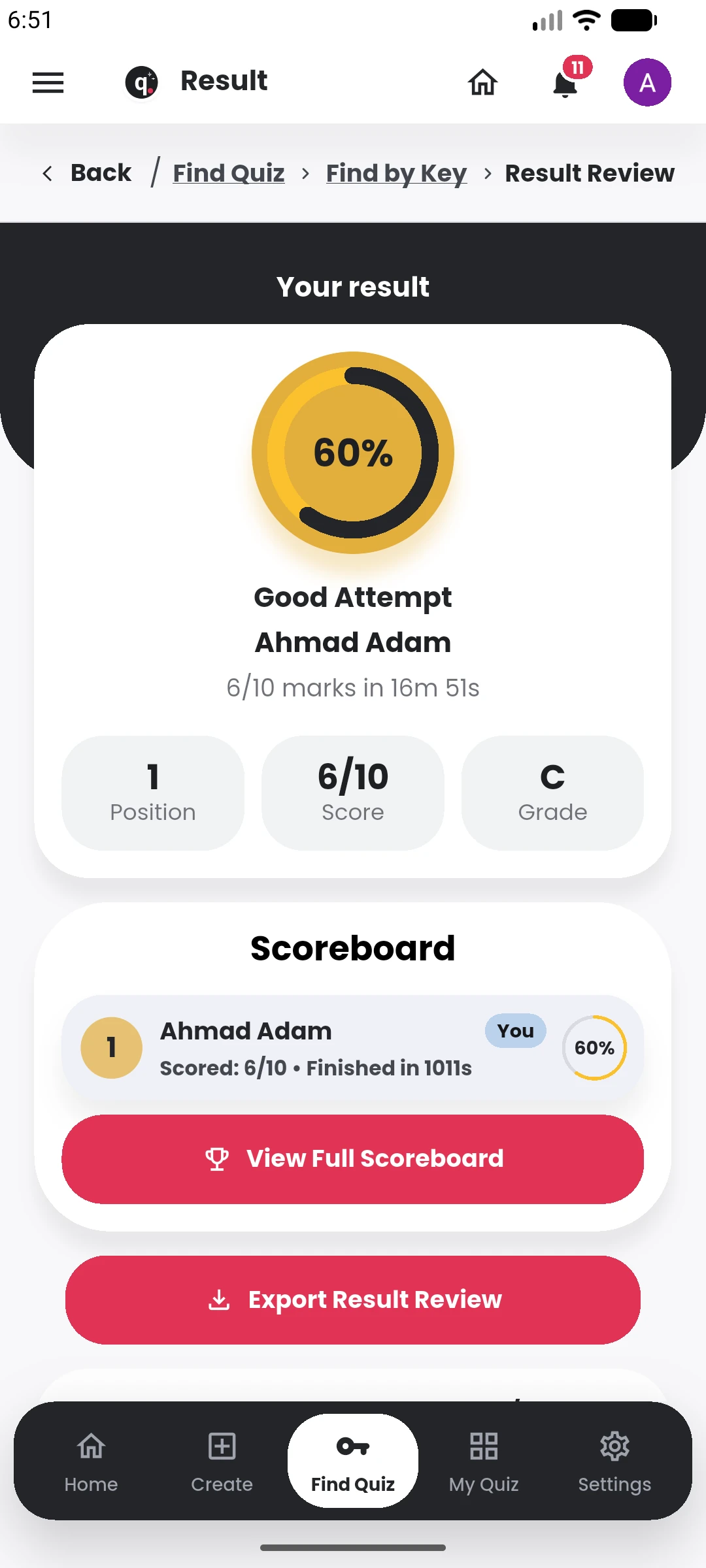
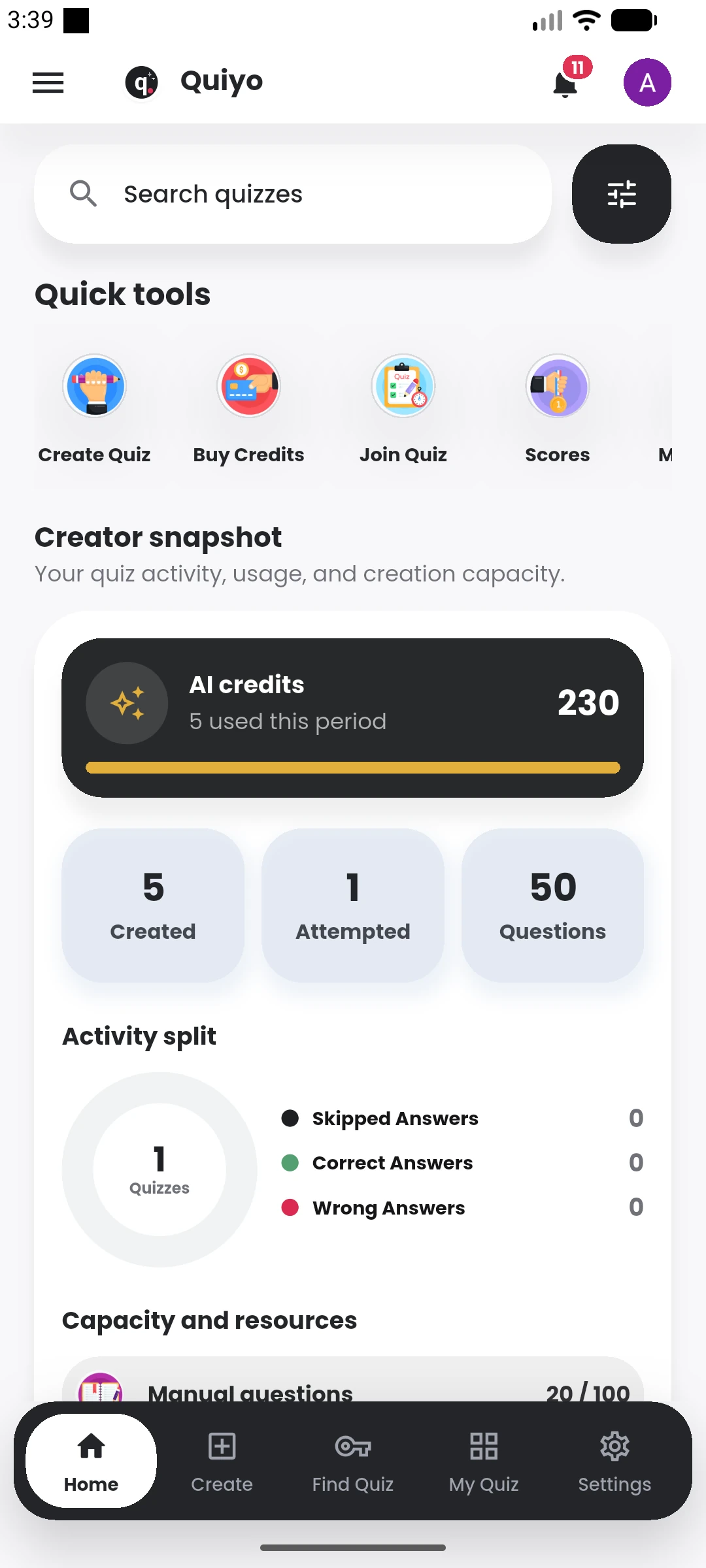
Quiyo mobile result review showing score, grade, and scoreboard. Quiyo mobile home showing Quiz Studio, quick tools, and quiz activity.

Recorded guide

Video coming soon

The complete written walkthrough is ready below.

Written walkthrough

Follow these steps

  1. Open the quiz you want to export.
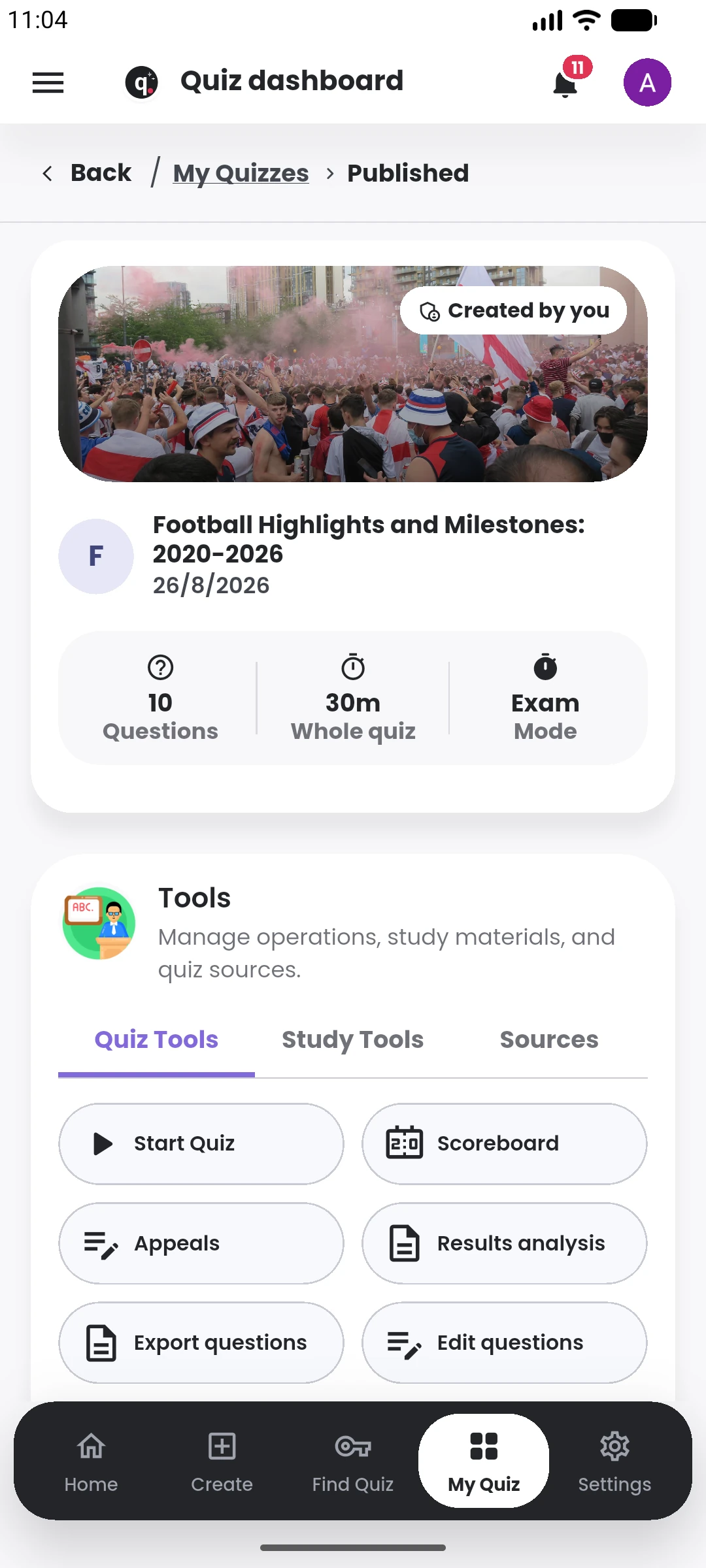
  2. Choose the question export action from the published quiz workspace.
  3. Select the export options that suit your event, workshop, training, or classroom session.
  4. Download the DOCX file and review it before printing or sharing.
Keep learning

Related tutorials

View library